主题结构
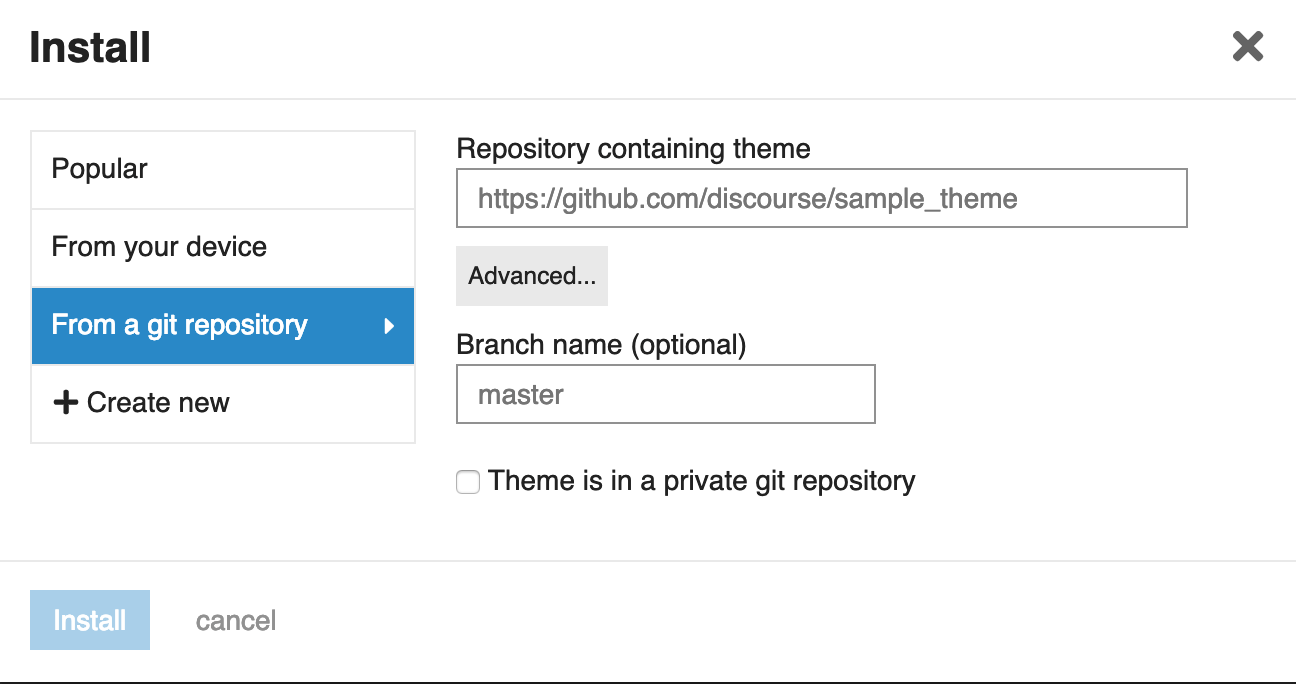
Discourse 支持原生主题,这类主题可以来自 .tar.gz 归档文件,也可以来自远程 git 仓库,包括不公开的仓库。
示例主题见:https://github.com/SamSaffron/discourse-simple-theme
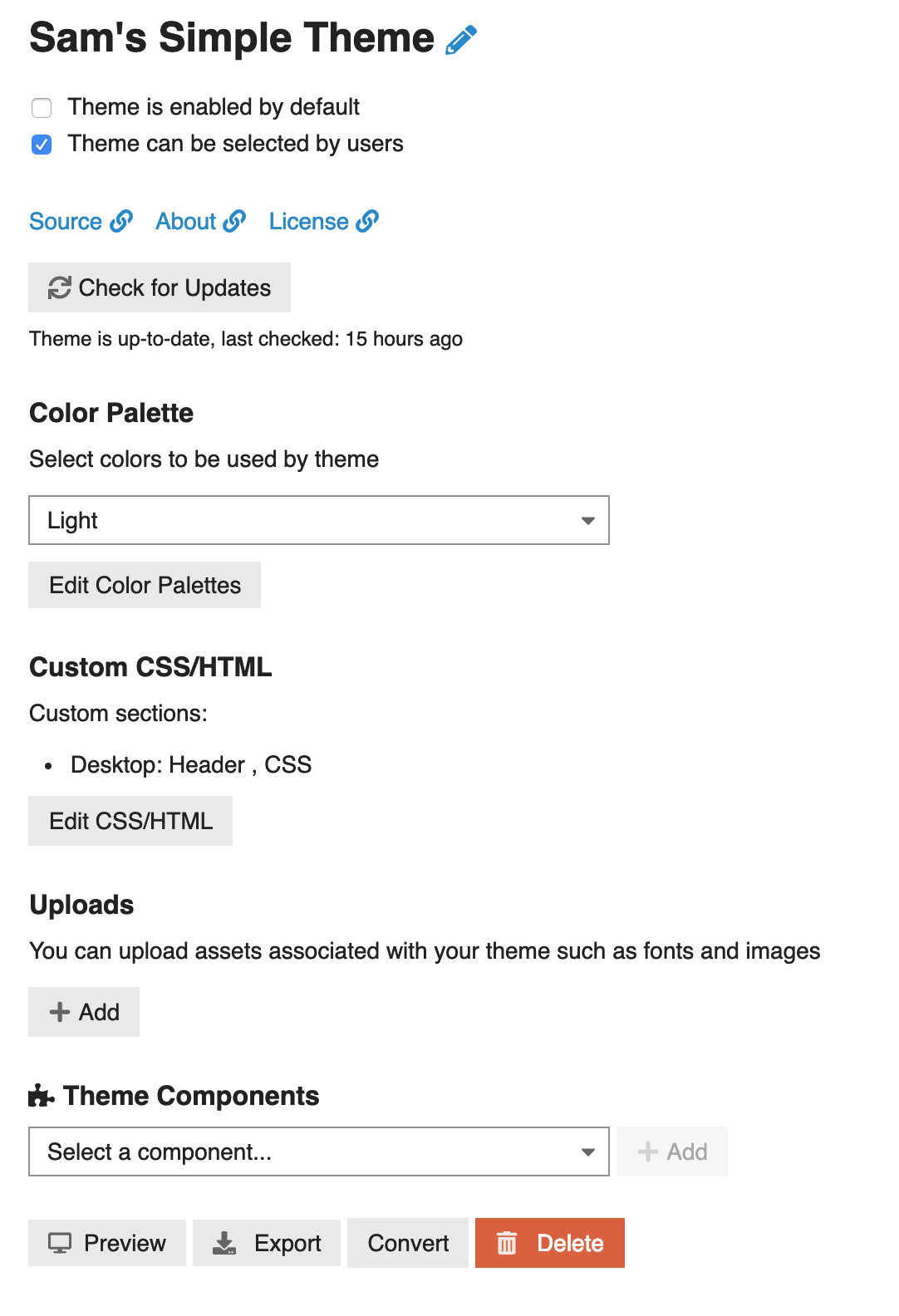
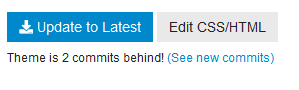
git 仓库会(每天一次)被检查更新,也可以使用 检查更新 按钮进行检查。检测到变更时,检查更新 按钮会变为 更新到最新。
创建主题需要遵循特定的文件结构。以下是你可以包含的文件:
about.json (required)

common/common.scss
common/header.html
common/after_header.html
common/footer.html
common/head_tag.html
common/body_tag.html
common/embedded.scss

desktop/desktop.scss
desktop/header.html
desktop/after_header.html
desktop/footer.html
desktop/head_tag.html
desktop/body_tag.html

mobile/mobile.scss
mobile/header.html
mobile/after_header.html
mobile/footer.html
mobile/head_tag.html
mobile/body_tag.html

locales/en.yml
locales/{locale}.yml

stylesheets/{anything}/{anything}/{anything}.scss

javascripts/{anything}.js
javascripts/{anything}.gjs
javascripts/{anything}.hbs

assets/{asset_filename}

settings.yml
上列文件都是可选的,你只需要创建需要的文件即可。
如果你想将主题 SCSS 拆分为多个文件,现在已经可以做到。
https://meta.discourse.org/t/splitting-up-theme-scss-into-multiple-files/115126
如果你想将主题拆分为多个 JS 文件,只需把需要的 JS 文件添加到 javascripts 目录中。
about.json 的文件结构如下,更多信息见 https://meta.discourse.org/t/adding-metadata-to-a-theme/119205:
{
  "name": "My Theme",
  "component": false,
  "license_url": null,
  "about_url": null,
  "authors": null,
  "theme_version": null,
  "minimum_discourse_version": null,
  "maximum_discourse_version": null,
  "assets": {
    "variable-name": "assets/my-asset.jpg"
  },
  "color_schemes": {
    "My Color Scheme": {
      "primary": "222222"
    }
  },
  "screenshots": ["screenshots/light.jpeg", "screenshots/dark.jpeg"]
}
关于如何为主题添加设置的说明见:https://meta.discourse.org/t/how-to-add-settings-to-your-discourse-theme/82557?u=osama.
要告诉 Discourse 你要添加的是主题组件而不是完整主题,只需在 about.json 文件中添加 "component": true 这一行
文件结构与主题的自定义 CSS / HTML 一致。
延伸阅读
查看带有 #themes::tag 标签的其他文章。
:information_source: 另请查看:
- https://meta.discourse.org/t/developer-s-guide-to-discourse-themes/93648
- https://meta.discourse.org/t/discourse-theme-cli-console-app-to-help-you-build-themes/82950
- https://meta.discourse.org/t/include-images-and-fonts-in-themes/62459?source_topic_id=60848
最后由 @SaraDev 于 [date=2022-08-15 time=14:00 timezone="America/Los_Angeles"] 审核
谢谢你的反馈!