Move Fields Between Field Groups
Once a field is created in one field group, it can be moved to another field group. This allows you to easily reorganize your fields when required, without direct database queries or the need to import a modified JSON file.
Moving Fields
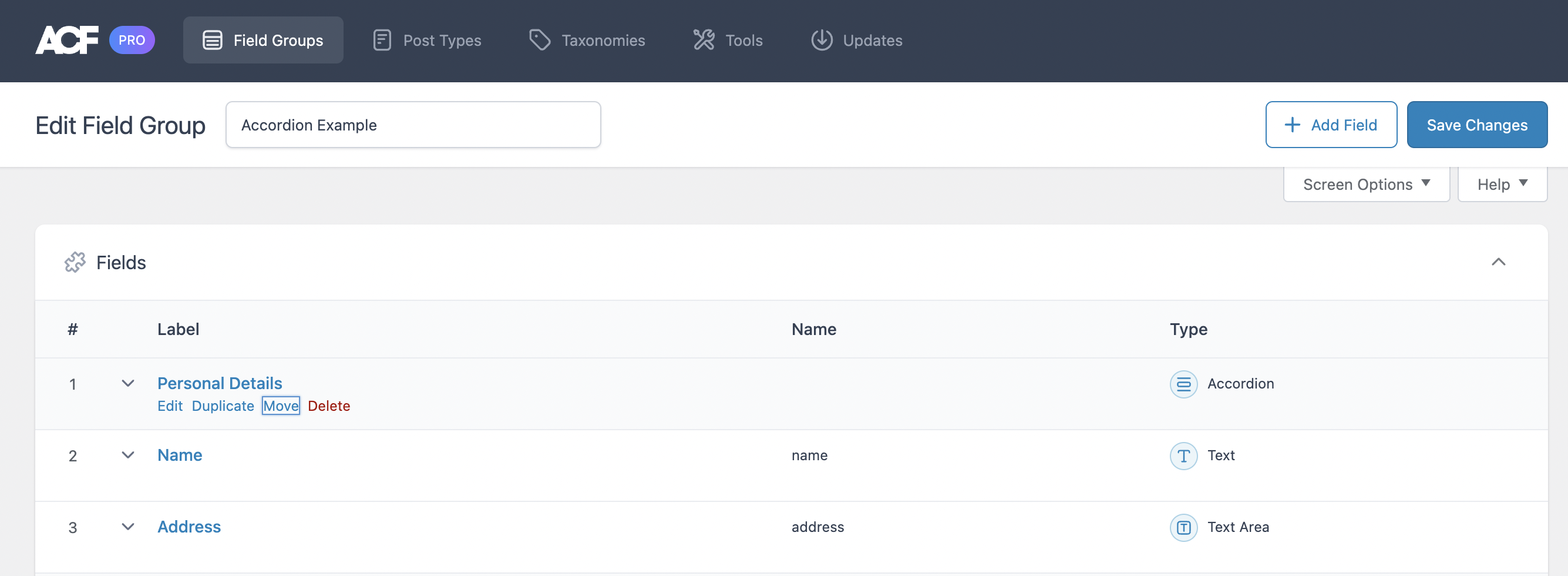
To move a field, open the field group where it is located and click Move.
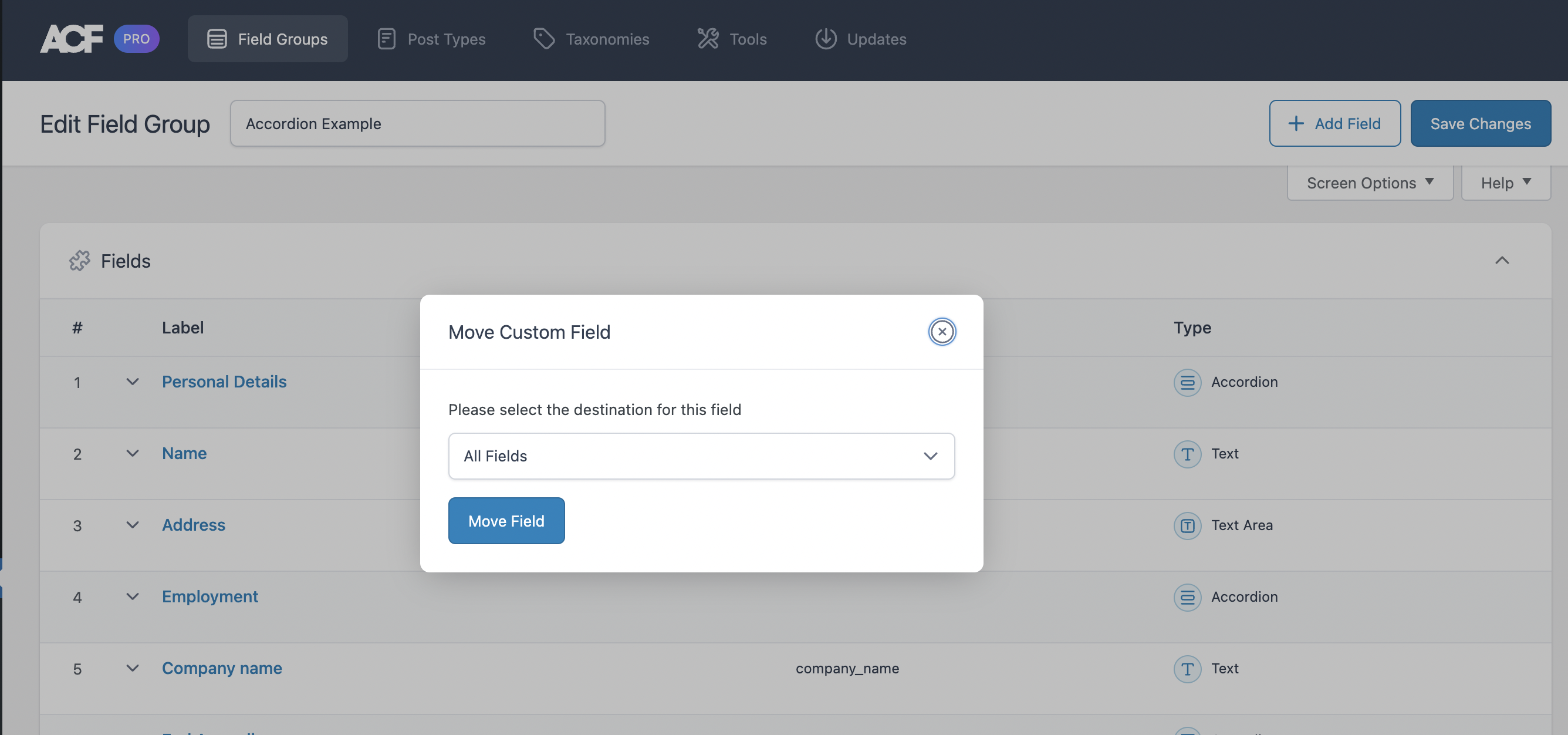
Next, you may choose to move the field to any existing field group by selecting it from the dropdown menu. Click Move Field to complete the operation.
这篇文档对你有帮助吗?
谢谢你的反馈!