Scheduled Actions Administration Screen
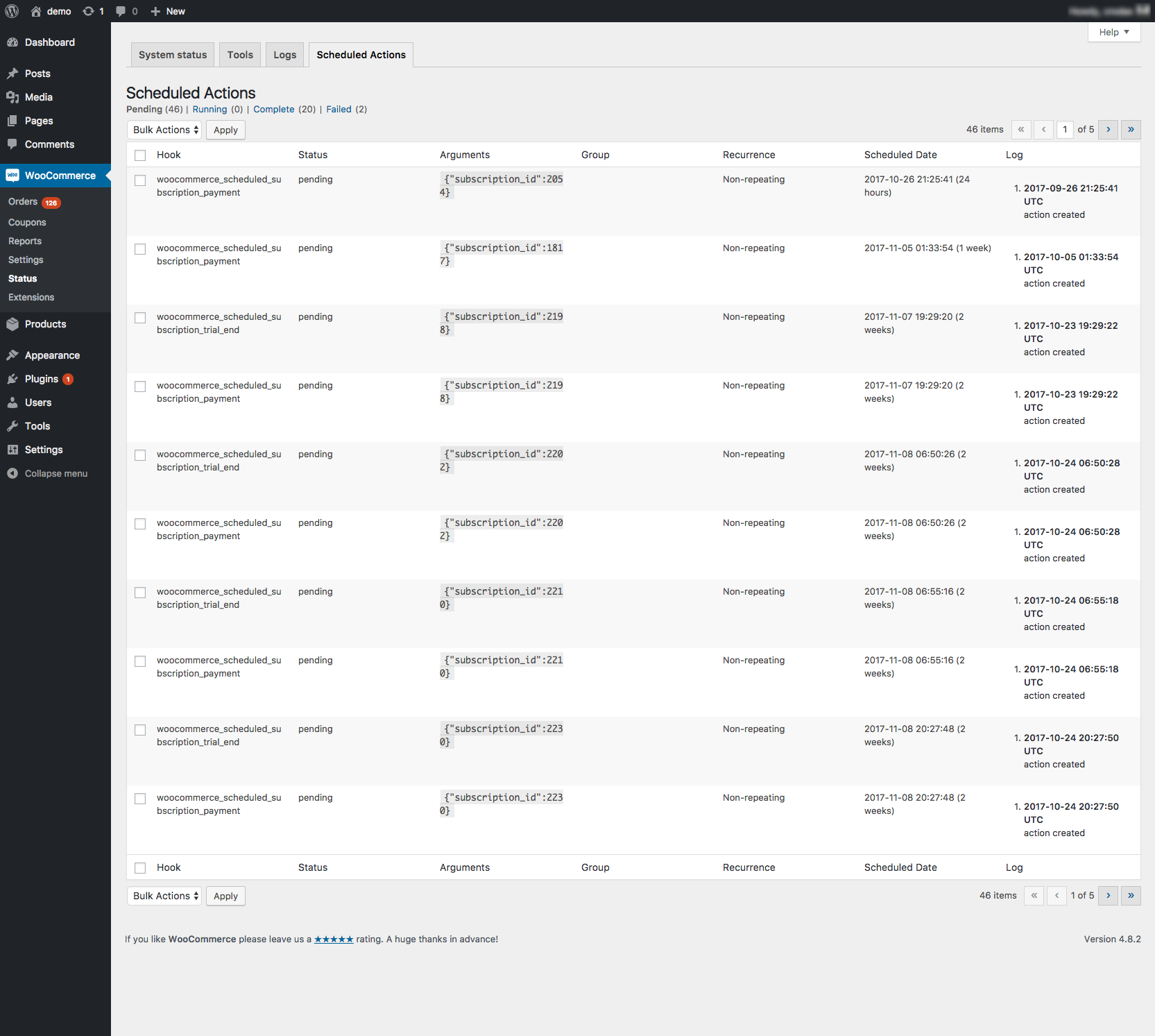
Action Scheduler has a built in administration screen for monitoring, debugging and manually triggering scheduled actions.
The administration interface is accessible through both:
- Tools > Scheduled Actions
- WooCommerce > Status > Scheduled Actions, when WooCommerce is installed.
Among other tasks, from the admin screen you can:
- Run a pending action.
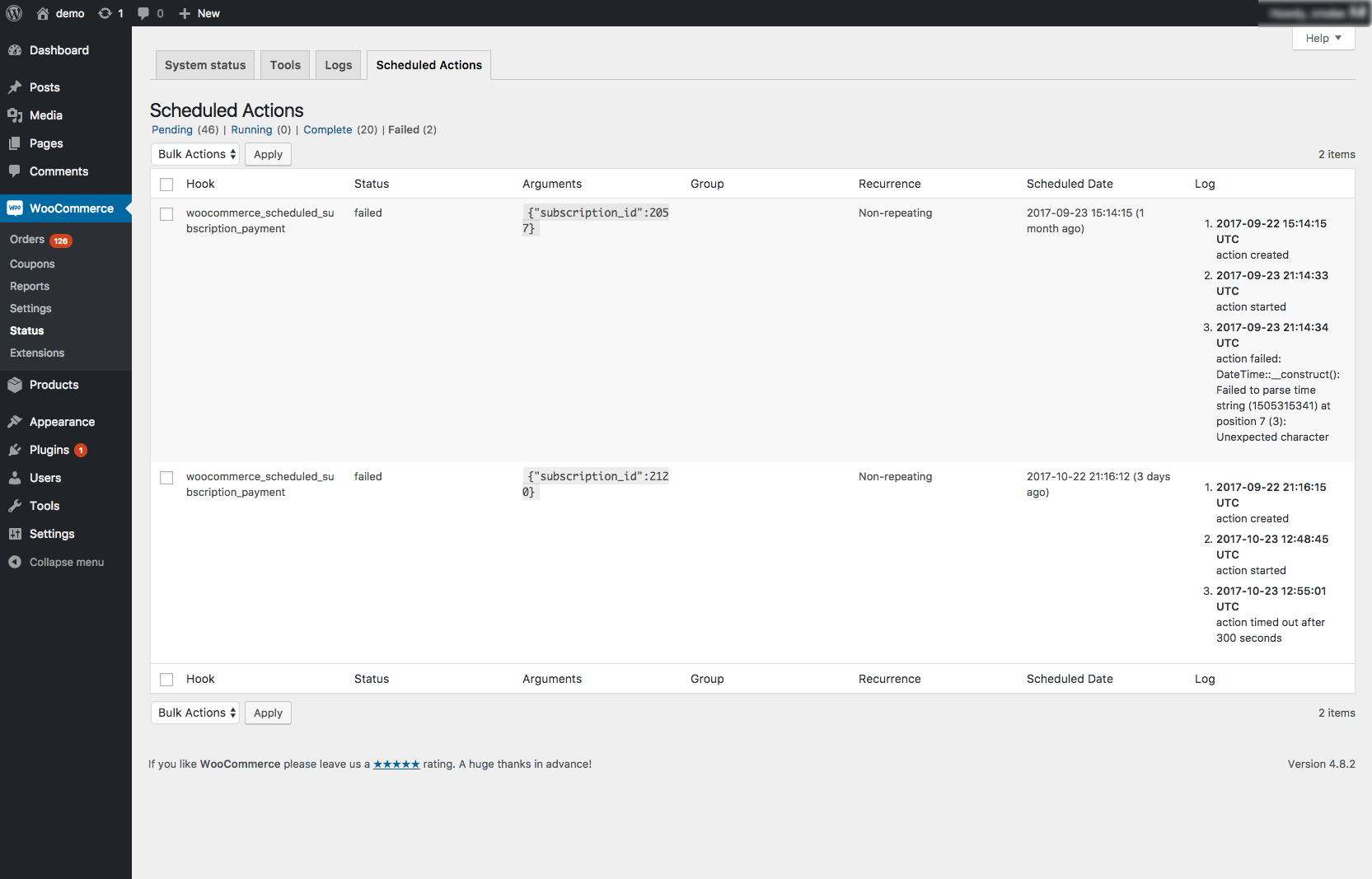
- View the scheduled actions with a specific status, like all actions which have failed or are in-progress (screenshot).
- View the log entries for a specific action to find out why it failed.
- Sort scheduled actions by hook name, scheduled date, group, claim ID or status.
- Search for actions by hook, args, action ID or claim ID.
Still have questions? Check out the FAQ.
这篇文档对你有帮助吗?
谢谢你的反馈!