Linking external sites
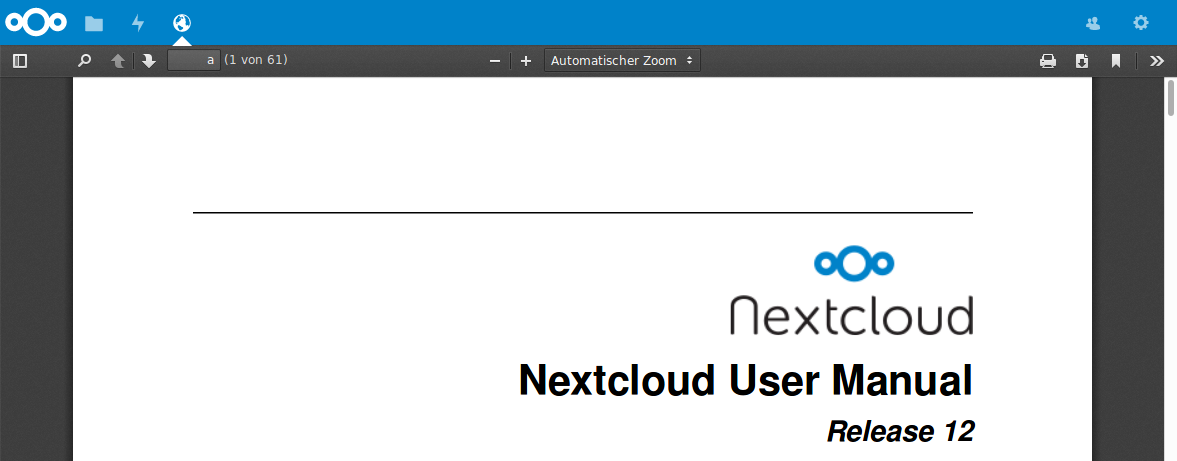
You can embed external websites or documents inside your Nextcloud pages with the External sites app, as this screenshot shows.
Click to enlarge
This is useful for quick access to important pages such as the Nextcloud manuals and informational pages for your company, and for presenting external pages inside your custom Nextcloud branding, if you use your own custom themes.
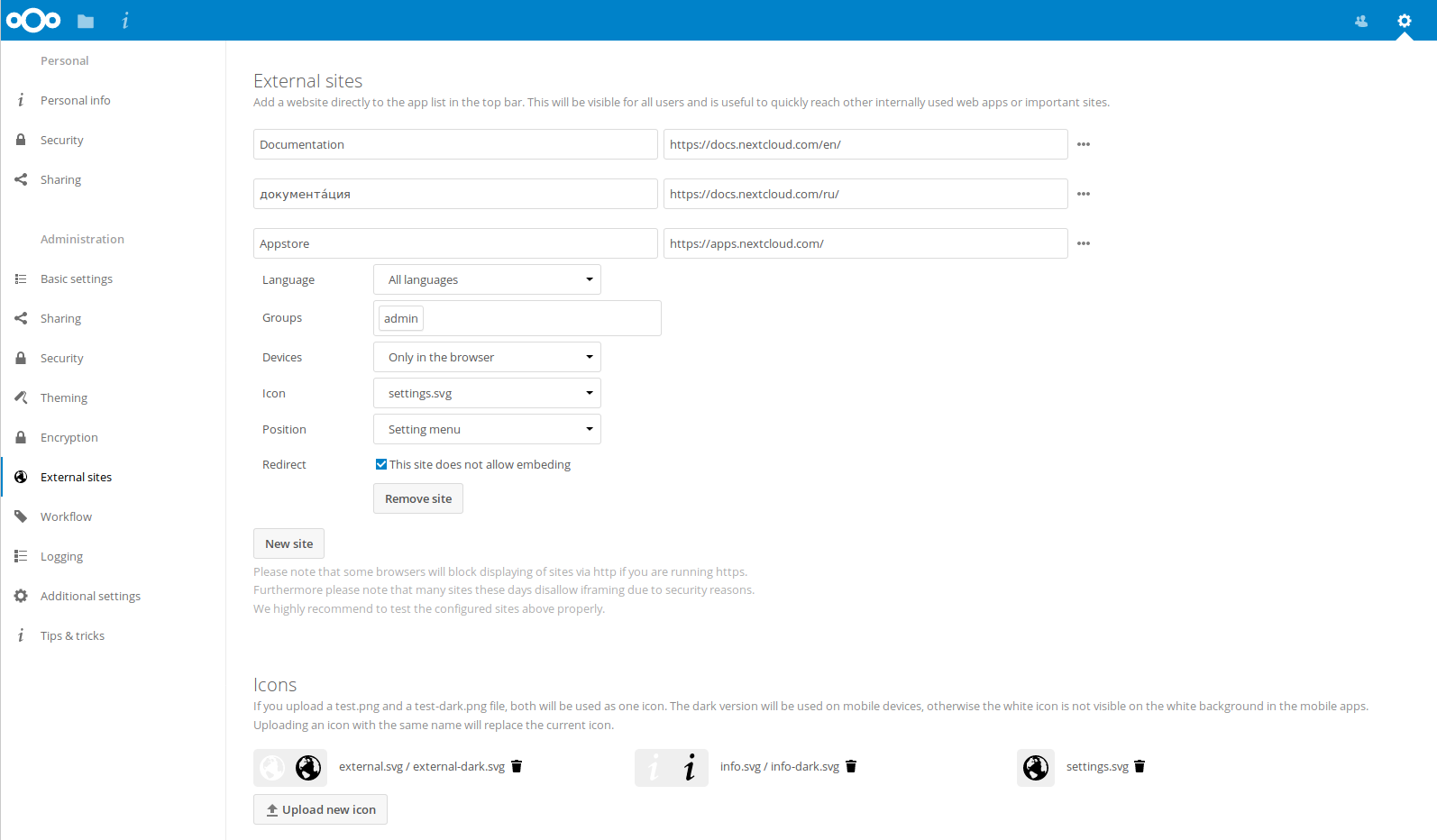
The External sites app can be easily installed from the app store. Go to Settings > Apps > Customization to enable it. Then go to your Nextcloud Settings > Administration > External sites to create your links, which are saved automatically.
Each link can have a unique icon, which can be uploaded in the admin settings. If you select a language, the link will only be displayed for users with the selected language. This allows you to have different documentation links for users depending on their language.
It is also possible to add links for a special device (recognized by the user agent). Currently the following options are available: All devices, Android app, iOS app, Desktop client and all others (Browsers).
It is also possible to add links only for members of a given group.
Click to enlarge
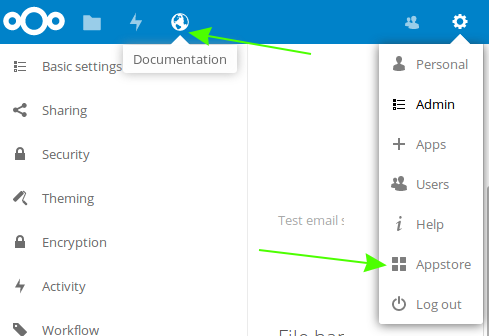
The links appear in the Nextcloud menu on the top or in the settings menu, after reloading the page.
Configurations preventing embedding
Your links may or may not work correctly due to the various ways that Web browsers and Web sites handle HTTP and HTTPS URLs, and because the External Sites app embeds external links in IFrames. Modern Web browsers try very hard to protect Web surfers from dangerous links, and safety apps like Privacy Badger and ad-blockers may block embedded pages. It is strongly recommended to enforce HTTPS on your Nextcloud server; do not weaken this, or any of your security tools, just to make embedded Web pages work. After all, you can freely access them outside of Nextcloud.
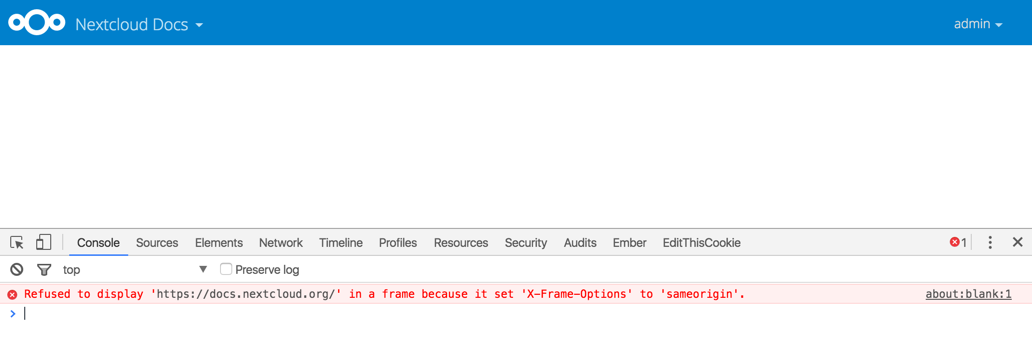
Most Web sites that offer login functionalities use the X-Frame-Options or Content-Security-Policy HTTP header which instructs browsers to not allow their pages to be embedded for security reasons (e.g. "Clickjacking"). You can usually verify the reason why embedding the website is not possible by using your browser's console tool. For example, this page has an invalid SSL certificate.
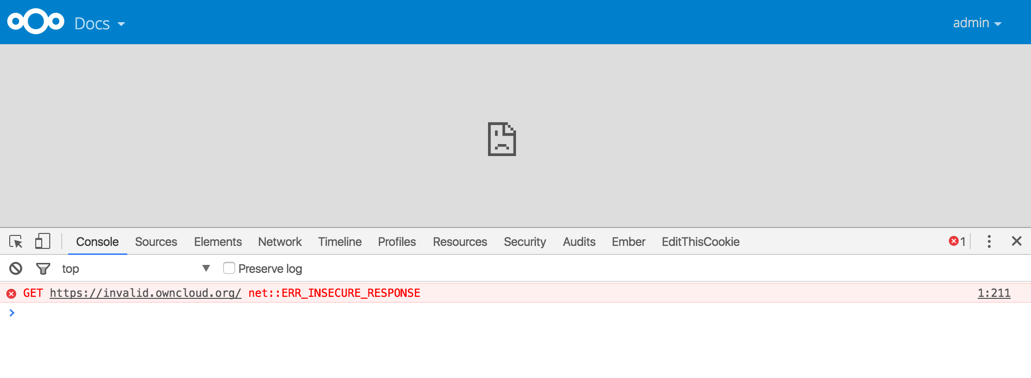
On this page, X-Frame-Options prevents the embedding.
There is also a redirect option, which allows that those websites can still be added for quick access. Instead of embedding the website the user will be redirected to it.