Deleting a Content Type
Goal
Delete the unneeded content type Article.
Prerequisite knowledge
Concept: Administrative Overview
Site prerequisites
The Article content type must exist. It is created on your site when you install with the core Standard installation profile.
Steps
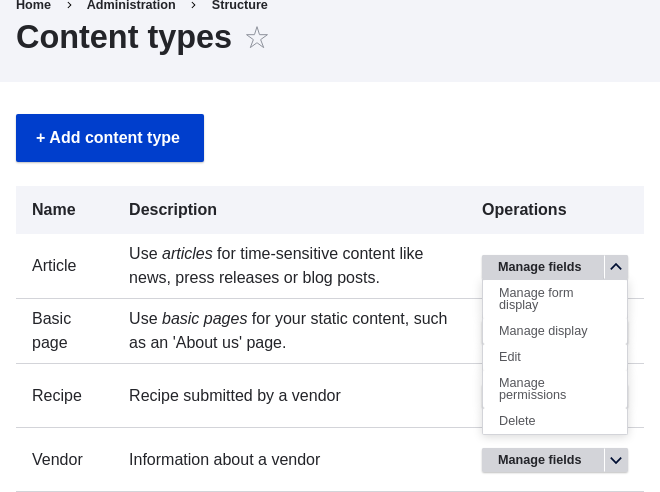
- In the Manage administrative menu, navigate to Structure > Content types (admin/structure/types). The Content types page appears.
- Click Delete in the Operations dropdown button for the Article content
type. Note that the name of this content type is in English on this page;
see Concept: User Interface, Configuration, and Content translation for an explanation.
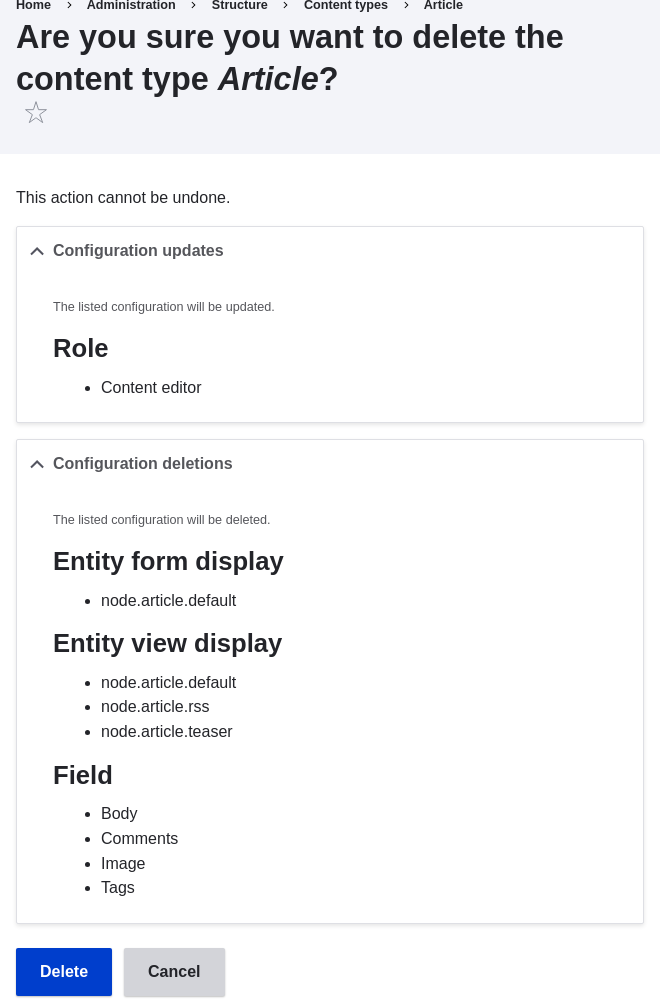
- A confirmation page is displayed. Click Delete.
- The Content types page appears with a confirmation message saying that the
content type has been deleted:
