Wiki post style
A quick guide to change the style of your wiki posts:
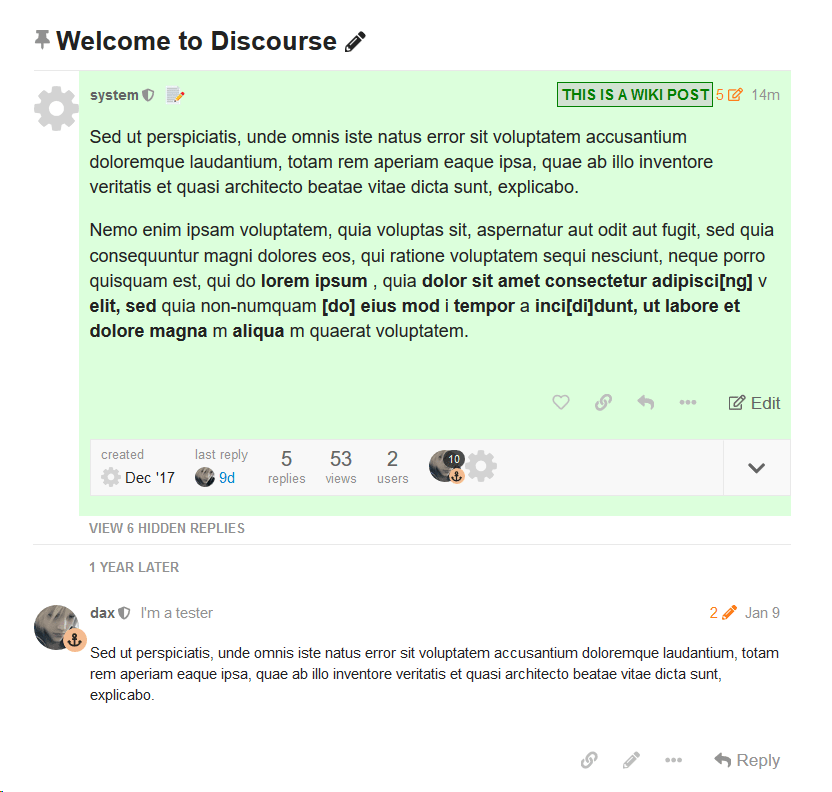
Change the background color:
In your /admin/customize/themes add this CSS under Common > CSS
.wiki .topic-body .cooked {
  background-color: #dcffdc; /*light green*/
}
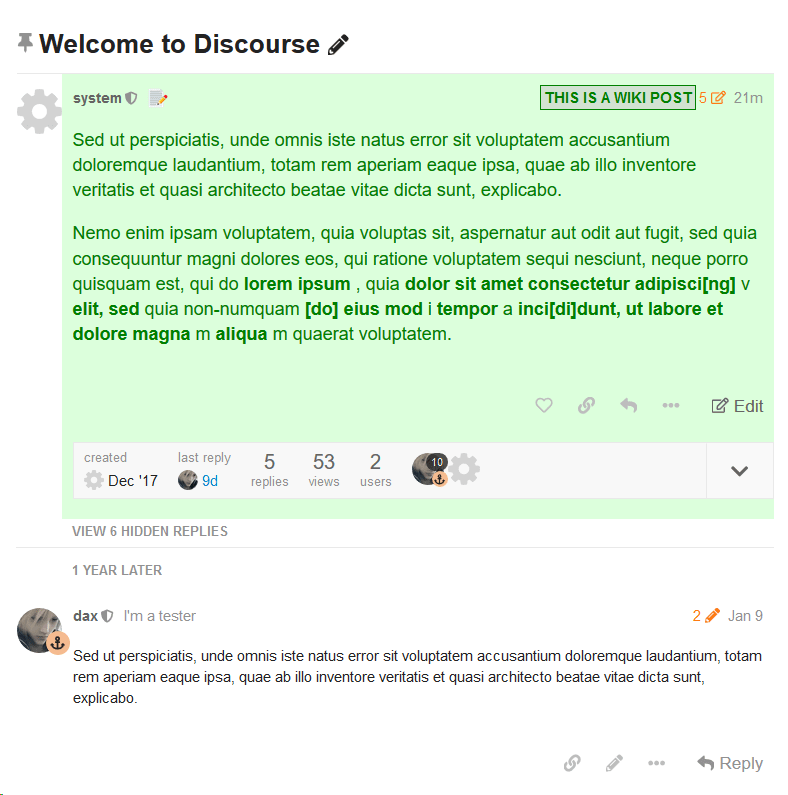
Change text size
If you want you can also change the font used or the size of the text, even the color
.wiki .topic-body .cooked p {
  font-size: 18px;
  color: green;
}
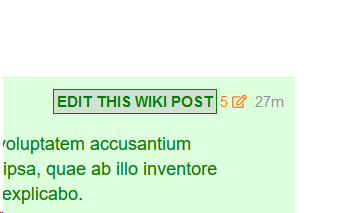
Add text
You can add a text to make clear to users that what they are watching is a wiki post
.post-info.edits .wiki::before {
  content: "EDIT THIS WIKI POST";
  color: green;
  background-color: #d2e2d2;
  margin-right: 3px;
  font-weight: bold;
  border: 1px solid green;
  padding: 3px;
}
这篇文档对你有帮助吗?
谢谢你的反馈!