# Adding a Block Display to a View
## Goal
Add a block display to the Recipes view to display the most recent recipes
in a sidebar, and change its configuration without changing the existing
Recipes page view.
## Prerequisite knowledge
* [Concept: Uses of Views](/link/749)
* [Concept: The Parts of a View](/link/750)
* [Creating a Content List View](/link/751)
## Site prerequisites
* The Recipe content type must exist, it must have a Main image field, and your
site must have a couple of Recipe content items. See [Adding a Content Type](/link/720),
[Adding Basic Fields to a Content Type](/link/722), [Changing Content Entry Forms](/link/728), and [Creating a Content Item](/link/713).
* The _Thumbnail (100x100)_ image style must be defined. This is created on your
site when you install the core Image module (installed with the core Standard
installation profile) but can be recreated if deleted. See
[Setting Up an Image Style](/link/732).
* The Recipes view must exist. See [Creating a Content List View](/link/751) and [Duplicating a View](/link/752).
## Steps
1. In the _Manage_ administrative menu, navigate to _Structure_ > _Views_
(_admin/structure/views_). Find the view "Recipes" and click _Edit_ from its
dropdown button. Alternatively, navigate to the Recipes page in the main site
navigation, and click the _Edit view_ contextual link in the main area of the
page. See [Concept: Administrative Overview](/link/705) for information about contextual links.
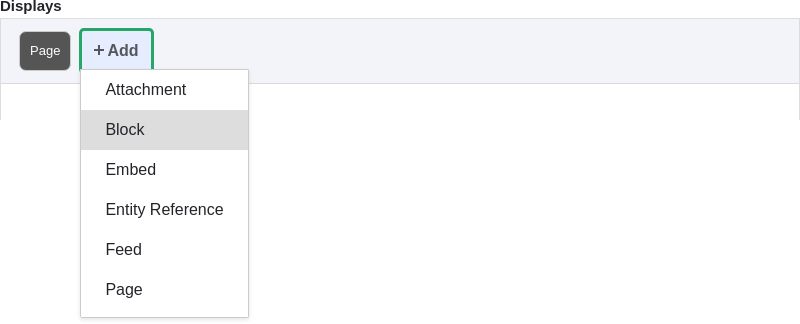
1. Create a new block display by clicking _Add_ under _Displays_. Click
_Block_ from the list of links that appears. The new display is created, and the
focus is automatically switched to its configuration.
1. To change the title of this display, click _Block_ in the _Display
name_ field. The _Block: The name and the description of this display_ pop-up
appears. Change the _Administrative name_ to "Recent recipes". Click _Apply_.
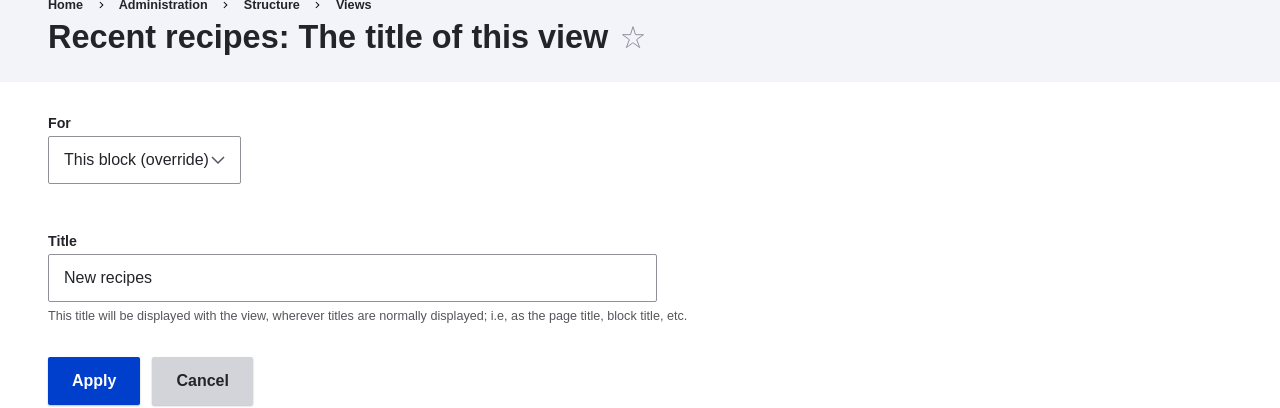
1. To change the title of the block, click Recipes in the _Title_ field
under _Title_. In the pop-up that appears, select _This block (override)_ from
the _For_ select list. Change the _Title_ field to "New recipes" and click
_Apply (this display)_.
1. To change the block's style, click _Grid_ in the _Format_ field under
_Format_. In the pop-up that appears, select _This block (override)_ from the
_For_ select list. Select _Unformatted list_ and Click _Apply (this
display)_. You can further configure the style options in the next pop-up that
appears. Then click _Apply_.
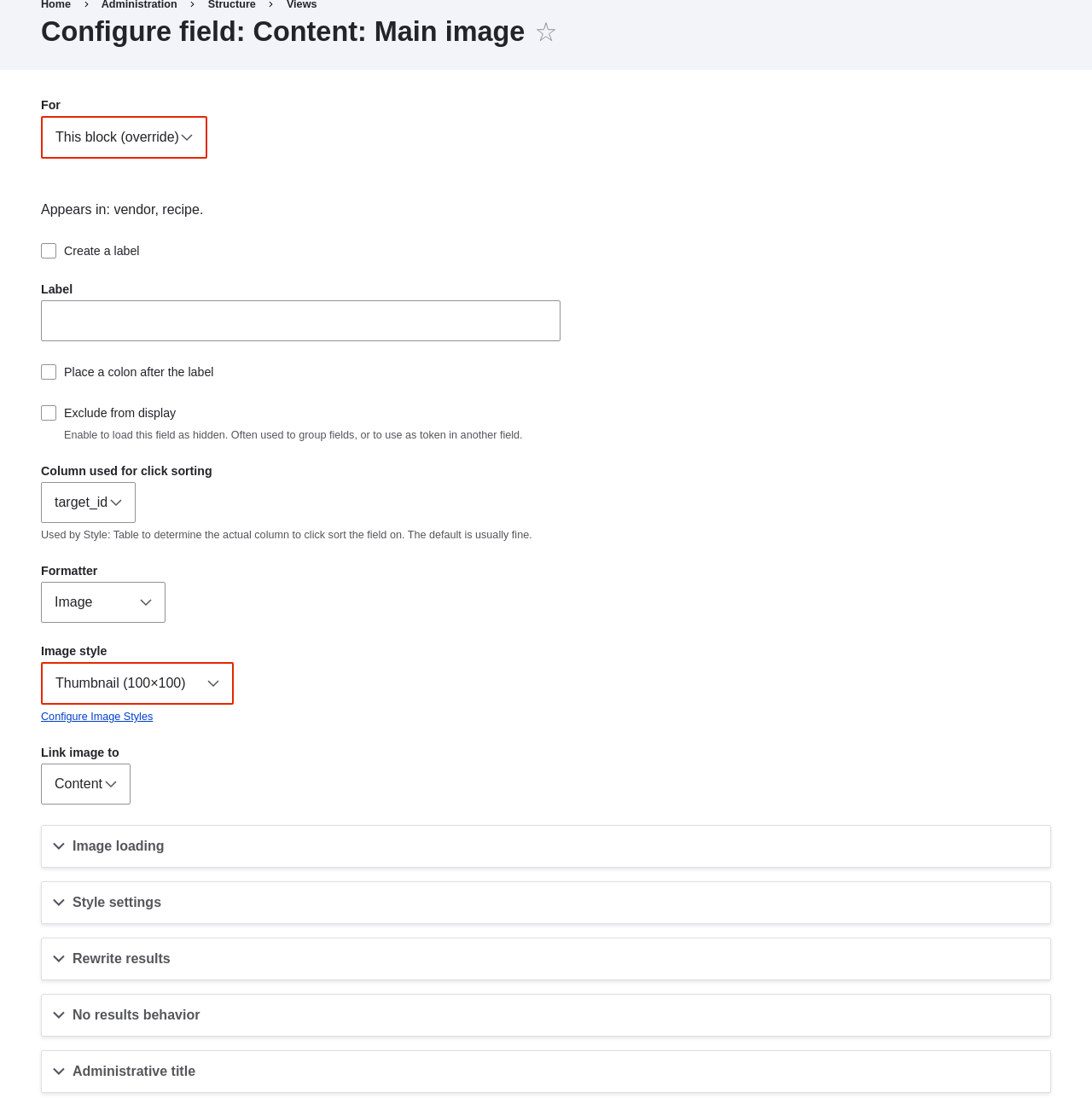
1. To configure the image field, click _Content: Main image_ under _Fields_.
In the pop-up that appears, select _This block (override)_ from the
_For_ select list. Select _Image style Thumbnail (100x100)_. Click _Apply
(this display)_.
 1. To remove ingredients as a filter, click _Content: Ingredients (exposed)_
under _Filter criteria_. In the pop-up that appears, select _This
block (override)_ from the _For_ select list. Click _Remove_ at the bottom.
1. To configure how you want the content to be sorted in the view, click _Add_
from the dropdown button under _Sort criteria_. In the pop-up that appears,
select _This block (override)_ from the _For_ select list. Check
_Authored on_ (in the _Content_ category), and then click _Add and configure
sort criteria_.
1. In the appearing configuration pop-up, select _Sort descending_ to have the
most recent recipes appear first. Click _Apply_.
1. To specify the number of items to be displayed, click _Mini_ in the _Use
pager_ field under _Pager_. In the pop-up that appears, select _This block
(override)_ from the _For_ select list. Under _Pager_, select _Display a
specified number of items_. Click _Apply (this display)_. In the _Block: Pager
options_ pop-up, provide "5" as the value for _Items to display_. Click _Apply_.
1. Click _Save_. You will either see the view editing page again, or the Recipes
page, depending on what you did in step 1. You should also see a message saying
that the view has been saved.
1. To remove ingredients as a filter, click _Content: Ingredients (exposed)_
under _Filter criteria_. In the pop-up that appears, select _This
block (override)_ from the _For_ select list. Click _Remove_ at the bottom.
1. To configure how you want the content to be sorted in the view, click _Add_
from the dropdown button under _Sort criteria_. In the pop-up that appears,
select _This block (override)_ from the _For_ select list. Check
_Authored on_ (in the _Content_ category), and then click _Add and configure
sort criteria_.
1. In the appearing configuration pop-up, select _Sort descending_ to have the
most recent recipes appear first. Click _Apply_.
1. To specify the number of items to be displayed, click _Mini_ in the _Use
pager_ field under _Pager_. In the pop-up that appears, select _This block
(override)_ from the _For_ select list. Under _Pager_, select _Display a
specified number of items_. Click _Apply (this display)_. In the _Block: Pager
options_ pop-up, provide "5" as the value for _Items to display_. Click _Apply_.
1. Click _Save_. You will either see the view editing page again, or the Recipes
page, depending on what you did in step 1. You should also see a message saying
that the view has been saved.
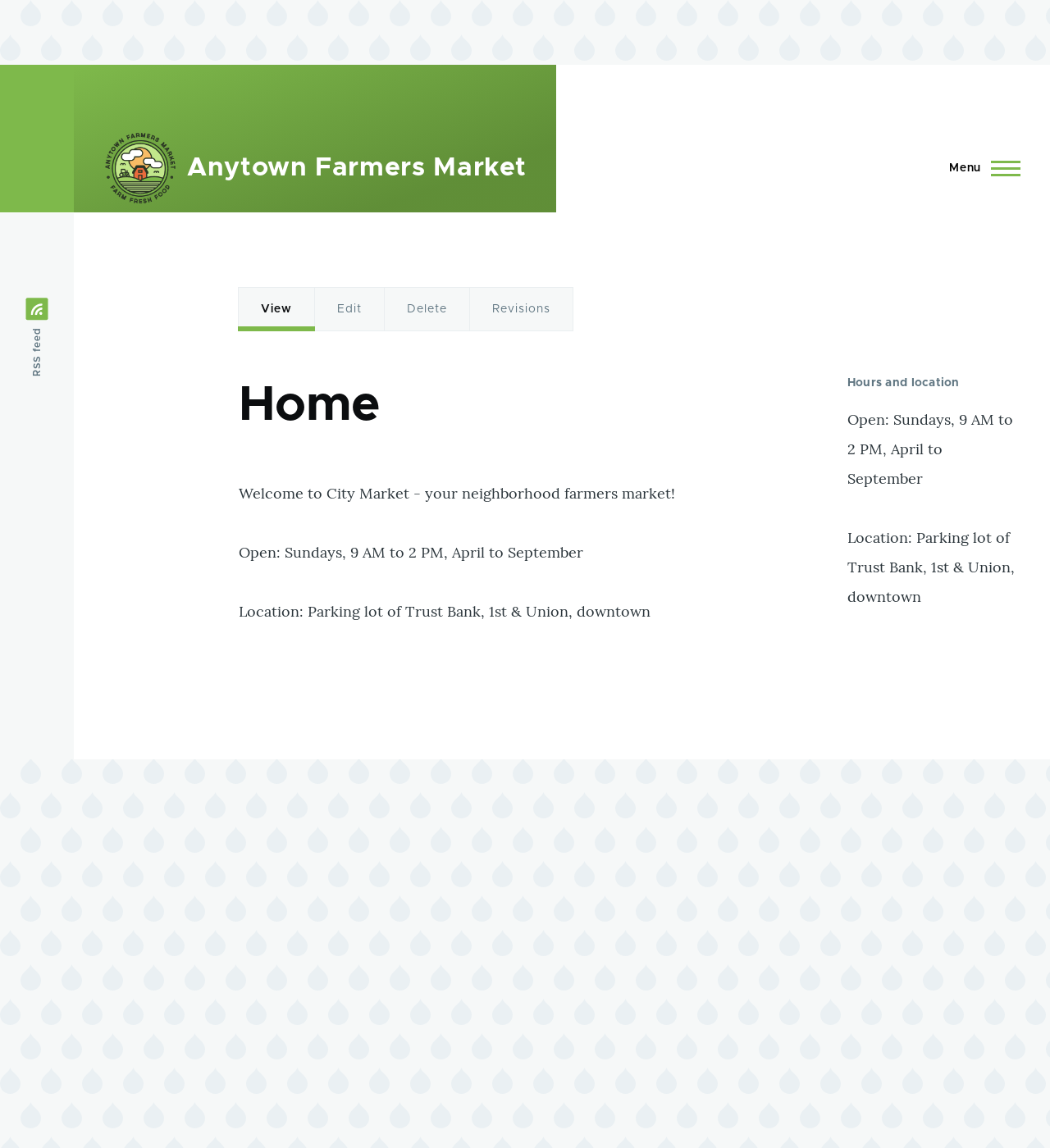
 1. Place the "Recipes: Recent Recipes" block in the _Sidebar second_ region. See
[Placing a Block in a Region](/link/747). Navigate to the site's home page to see the block.
1. Place the "Recipes: Recent Recipes" block in the _Sidebar second_ region. See
[Placing a Block in a Region](/link/747). Navigate to the site's home page to see the block.
 ## Videos
[Adding a Block Display to a View](https://www.youtube.com/watch?v=xrnuekARwYc)
## Videos
[Adding a Block Display to a View](https://www.youtube.com/watch?v=xrnuekARwYc)