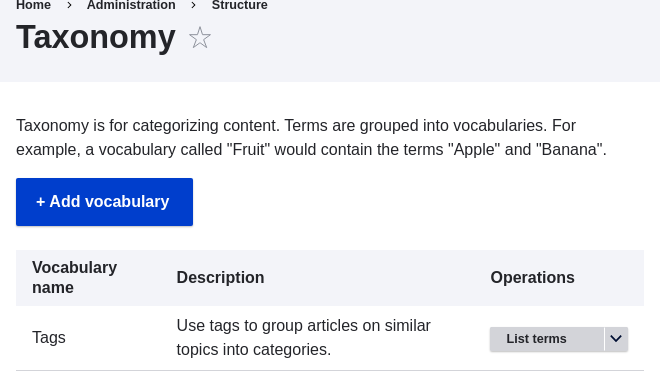
 1. Click _Add vocabulary_, and fill in the values below.
| Field name | Explanation | Example value |
|---|---|---|
| Name | The name of the vocabulary | Ingredients |
| Description | A brief note about the vocabulary | (Leave blank) |
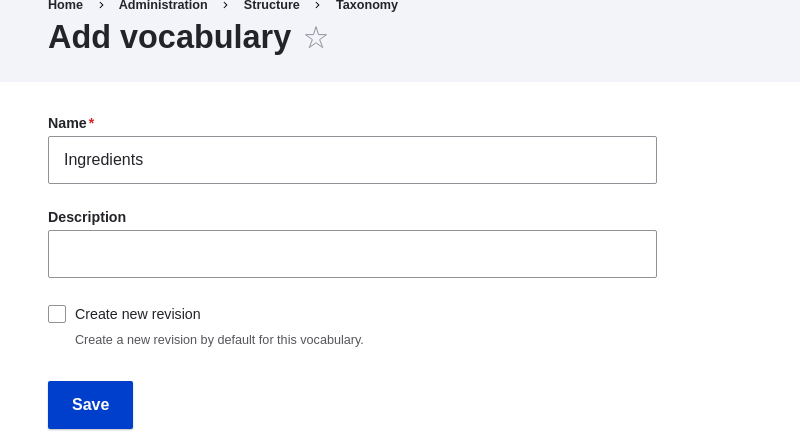 1. Click _Save_. You will be taken to the Ingredients page, which shows a list
of all the terms in this vocabulary.
1. Click _Save_. You will be taken to the Ingredients page, which shows a list
of all the terms in this vocabulary.
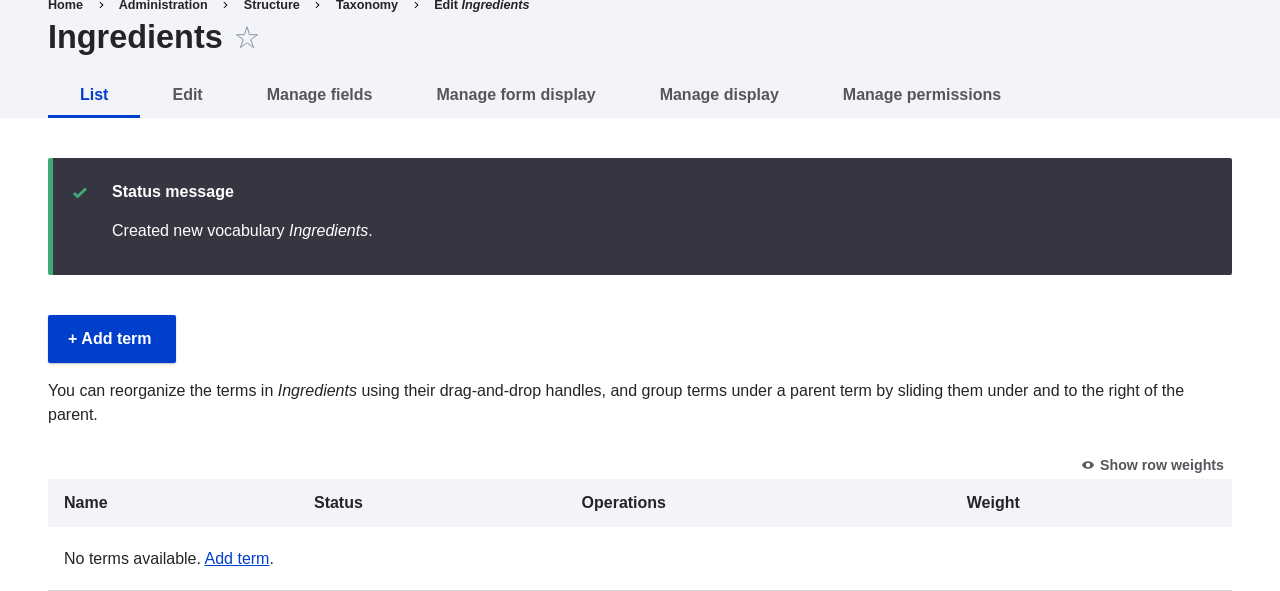 1. Click _Add term_. Enter "Butter" in the _Name_ field. Click _Save_.
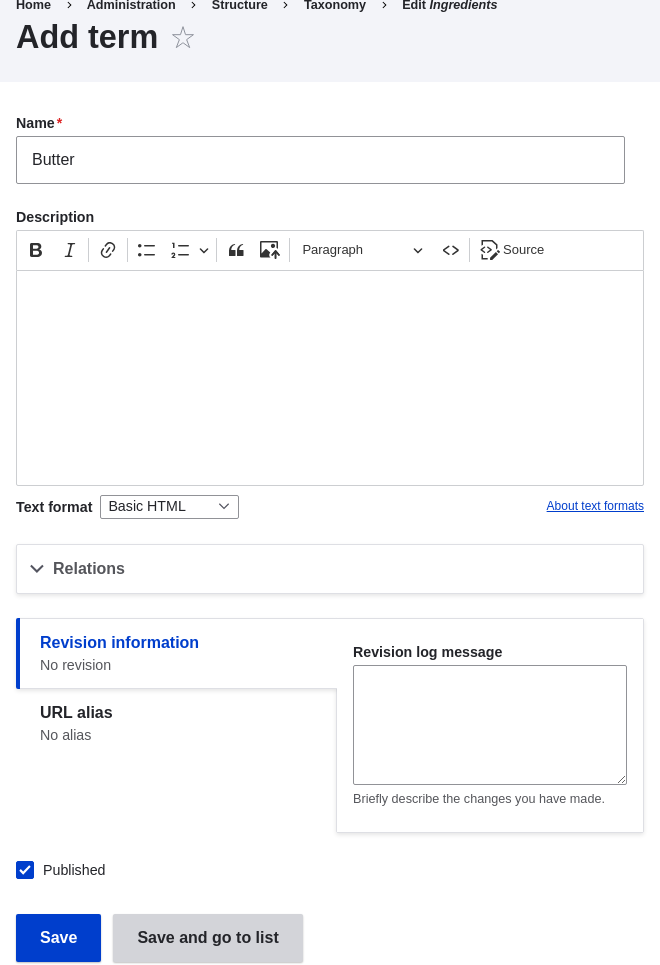 1. You will receive a confirmation about the term you created. Add more
terms. For example, "Eggs" and "Milk".
1. In the _Manage_ administrative menu, navigate to _Structure_ > _Content Types_
(_admin/structure/types_). Click _Manage fields_ for your Recipe content type.
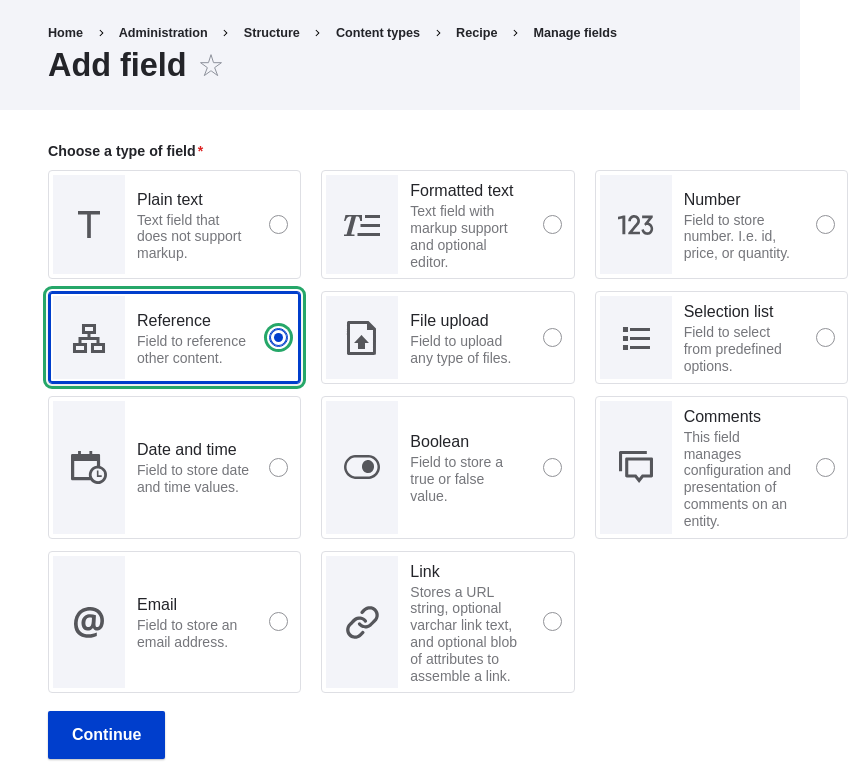
1. Click _Create a new field_. The _Add field_ page appears. Choose the _Reference_ field type from the _Choose a field type_ options. Click _Continue_. The _Add field_ page appears with a form to configure the field.
1. Enter values from the table below. Click _Continue_.
1. You will receive a confirmation about the term you created. Add more
terms. For example, "Eggs" and "Milk".
1. In the _Manage_ administrative menu, navigate to _Structure_ > _Content Types_
(_admin/structure/types_). Click _Manage fields_ for your Recipe content type.
1. Click _Create a new field_. The _Add field_ page appears. Choose the _Reference_ field type from the _Choose a field type_ options. Click _Continue_. The _Add field_ page appears with a form to configure the field.

1. Enter values from the table below. Click _Continue_.
| Field name | Explanation | Value |
|---|---|---|
| Label | The title to give the field | Ingredients |
| Choose an option below: | Type of content to reference | Taxonomy term |
| Field name | Explanation | Value |
|---|---|---|
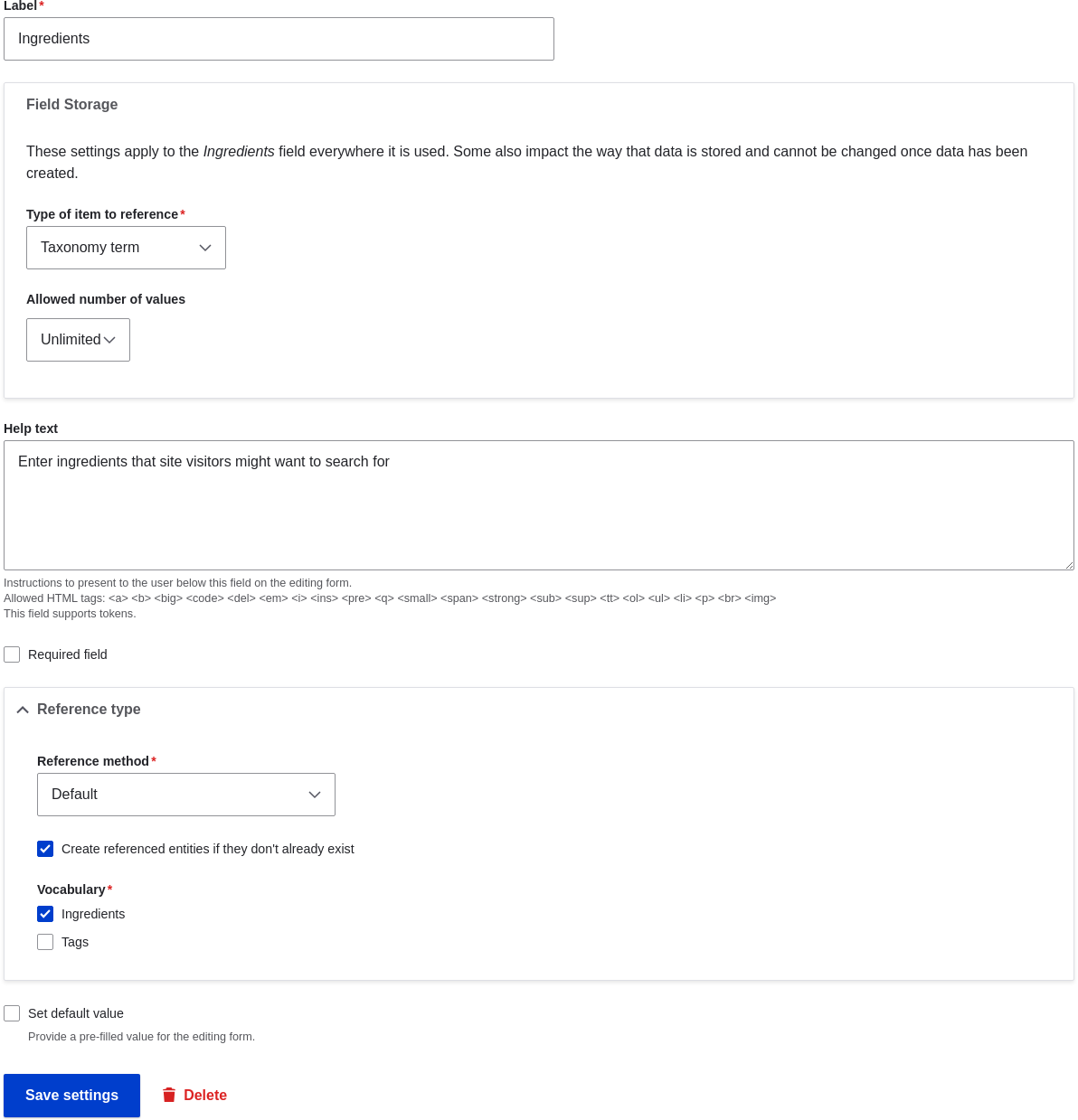
| Help text | Help shown to users creating content | Enter ingredients that site visitors might want to search for |
| Type of item to reference | The type of entity that is referenced by the field | Taxonomy term |
| Allowed number of values | The number of values a user can enter | Unlimited |
| Reference type > Reference method | Select the method used to choose allowed values | Default |
| Reference type > Vocabulary | Select the vocabulary to choose allowed values from | Ingredients |
| Reference type > Create referenced entities if they don't already exist | Whether new ingredient terms can be created from the content editing form | Checked |
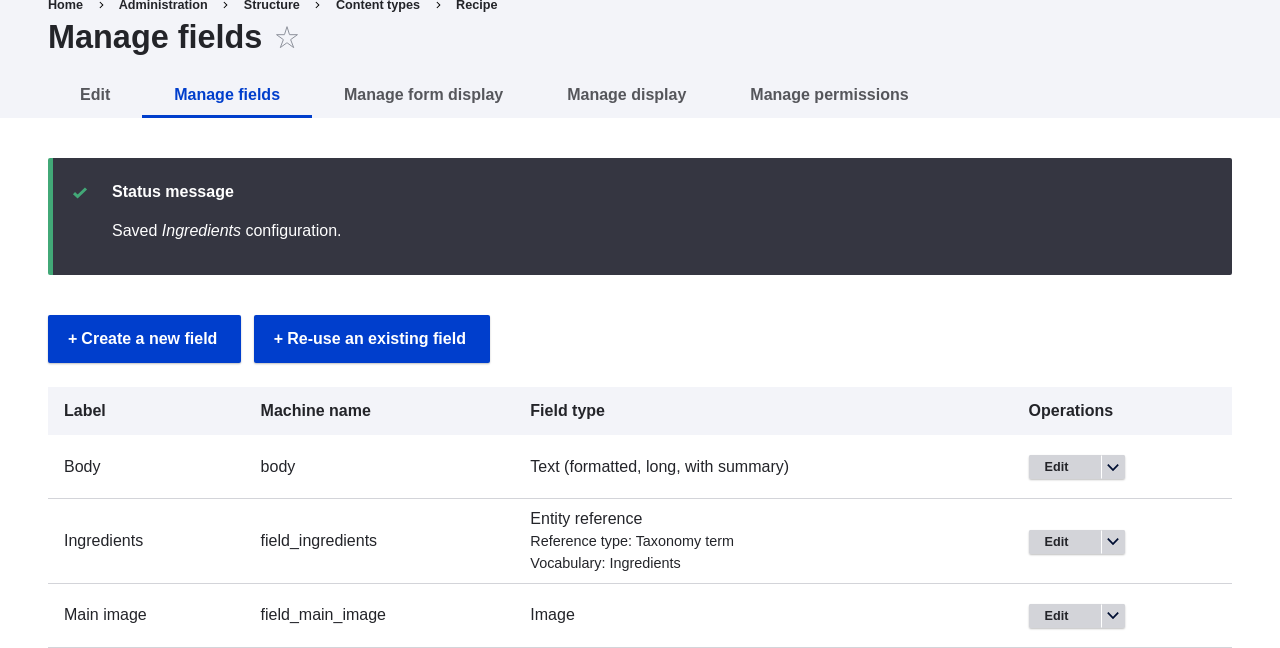
 1. Click _Save settings_. You will be taken back to the _Manage Fields_ page. A
message will be displayed saying that the configuration for Ingredients is
complete.
1. Click _Save settings_. You will be taken back to the _Manage Fields_ page. A
message will be displayed saying that the configuration for Ingredients is
complete.
 ## Videos
[Setting up a Taxonomy](https://www.youtube.com/watch?v=EbsXffnjsjc)
## Videos
[Setting up a Taxonomy](https://www.youtube.com/watch?v=EbsXffnjsjc)