# Text Area
## Description
The Text Area field creates a basic textarea input, useful to store simple (i.e., unstyled) paragraphs of text to use in your theme.
## Screenshots
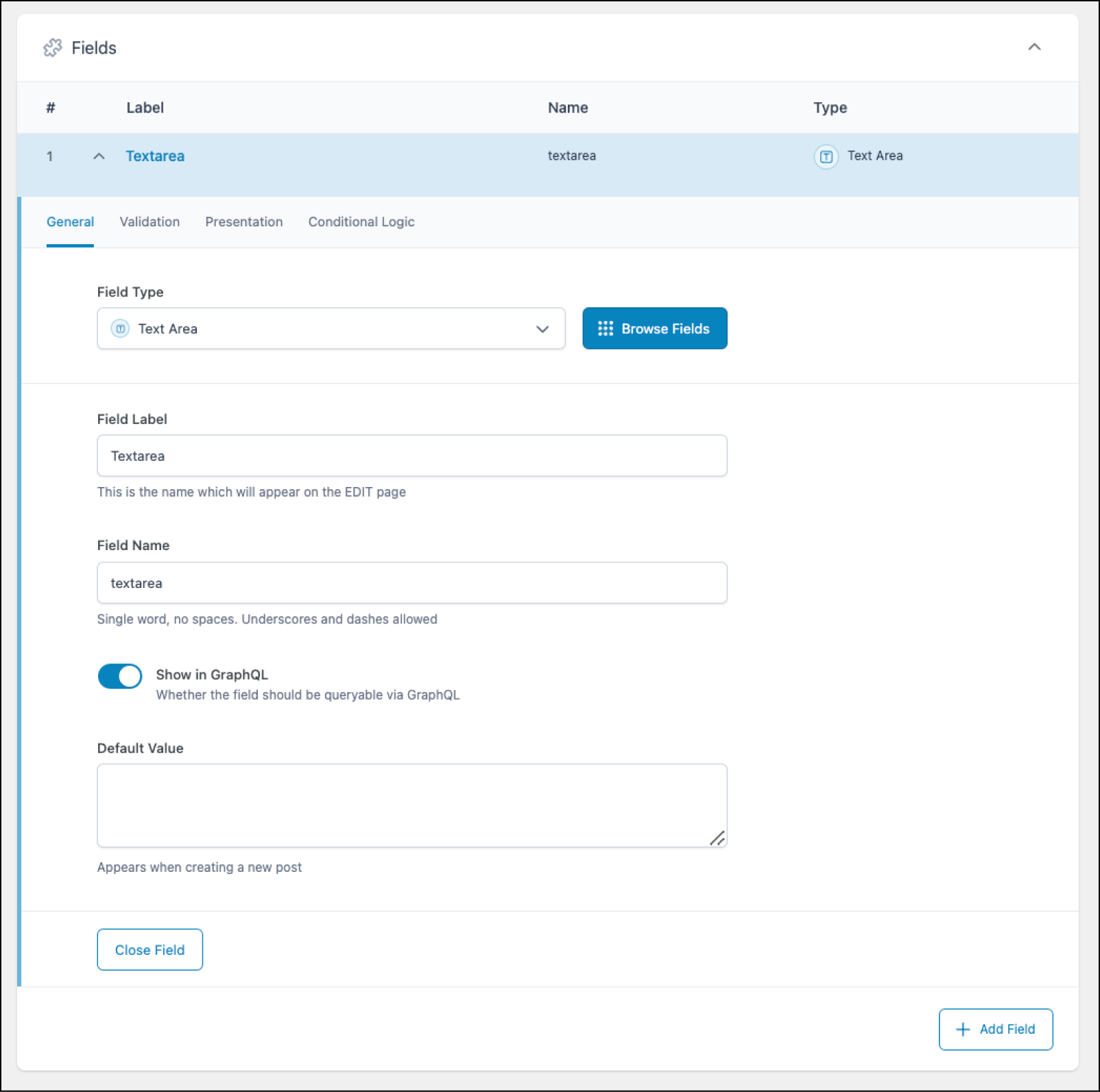
Creating a Text Area field in ACF.
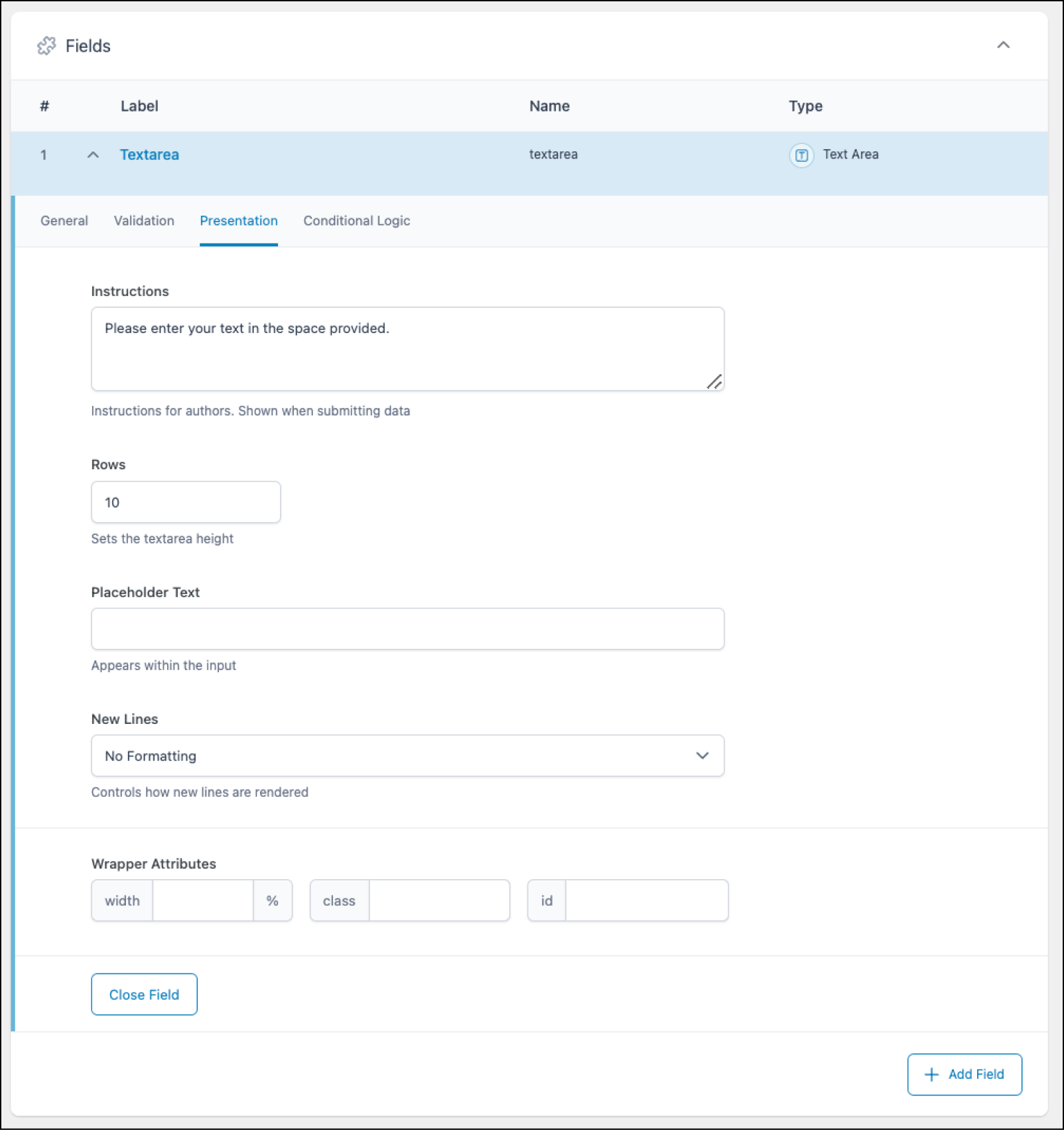
The Presentation tab controls how the field will display.
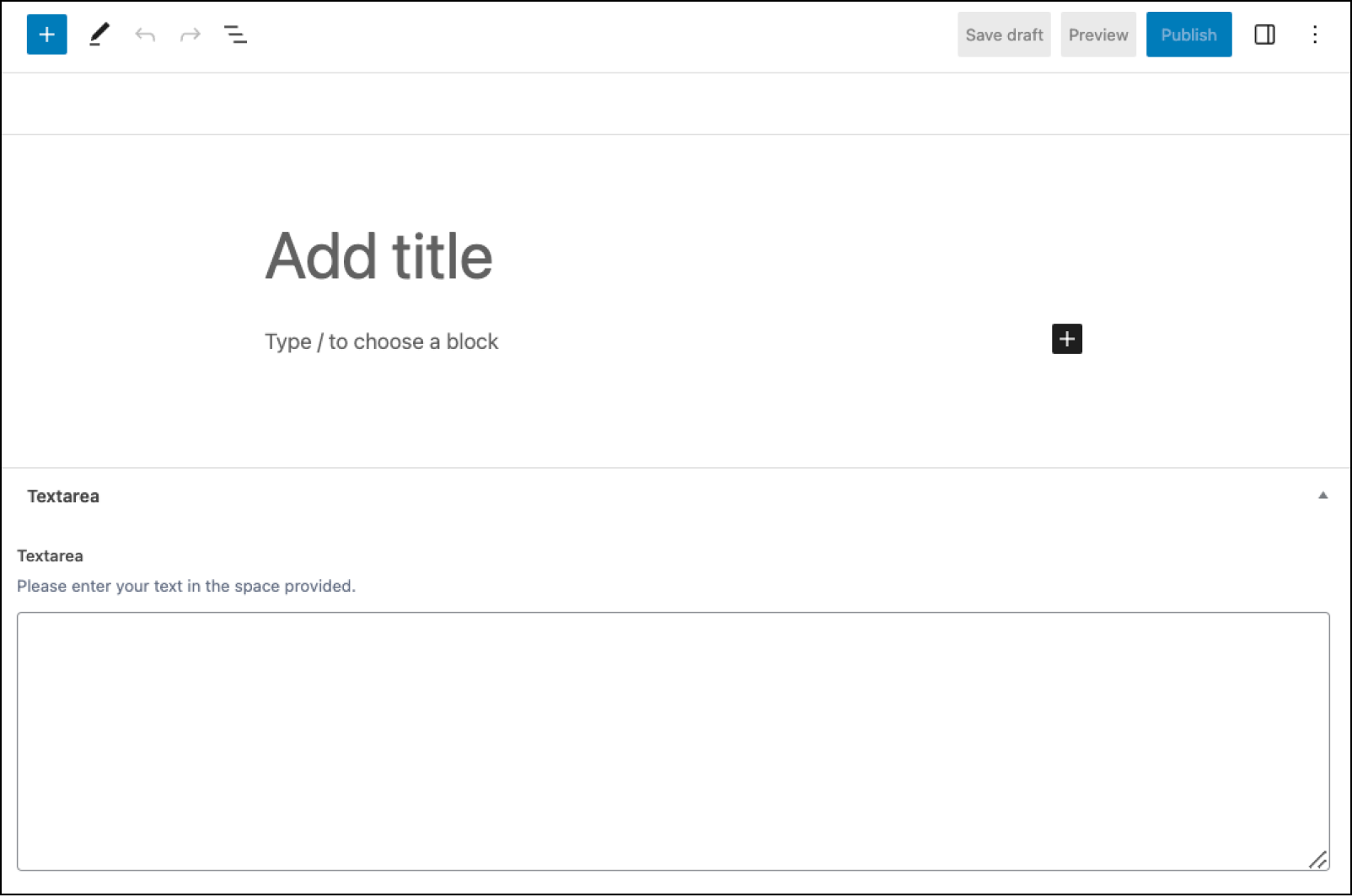
How the Text Area field appears when editing content. You can see how changes made on the Presentation tab are reflected here.
## Changelog
- Formatting setting removed in version 5.0.0.
- Rows setting added in 4.3.5.
## Settings
- **Default Value**
The default value shown when creating a new post.
- **Required**
Found on the Validation tab, this prevents the field from accepting empty values. Defaults to off.
- **Character Limit**
Limits the number of characters allowed.
- **Instructions**
Shows instructions when submitting data.
- **Rows**
Sets the height of this field. Defaults to 8.
- **Placeholder Text**
Appears within input when no value exists.
- **New Lines**
Changes the way new lines are formatted. Selecting “Automatically add paragraphs” will add paragraph tags around the value. Selecting “Automatically add `
`” will convert any new lines to HTML line breaks. Selecting “No Formatting” will not convert
*any* tags, and you will see any HTML displayed as normal text similar to regular content.
## Template usage
### Display value with paragraphs automatically added
This example demonstrates how to display a Text Area field named `product_description` when the “Automatically add paragraphs” setting is enabled.
```
Product Description
```
### Display value without formatting
This example demonstrates how to display a Text Area field named `product_description` when the “No Formatting” setting is enabled. In this case, we have to indicate a paragraph manually with the `` tag.
```
Product Description
```