# Number
## Description
The Number field creates an input limited to numerical values.
## Screenshots
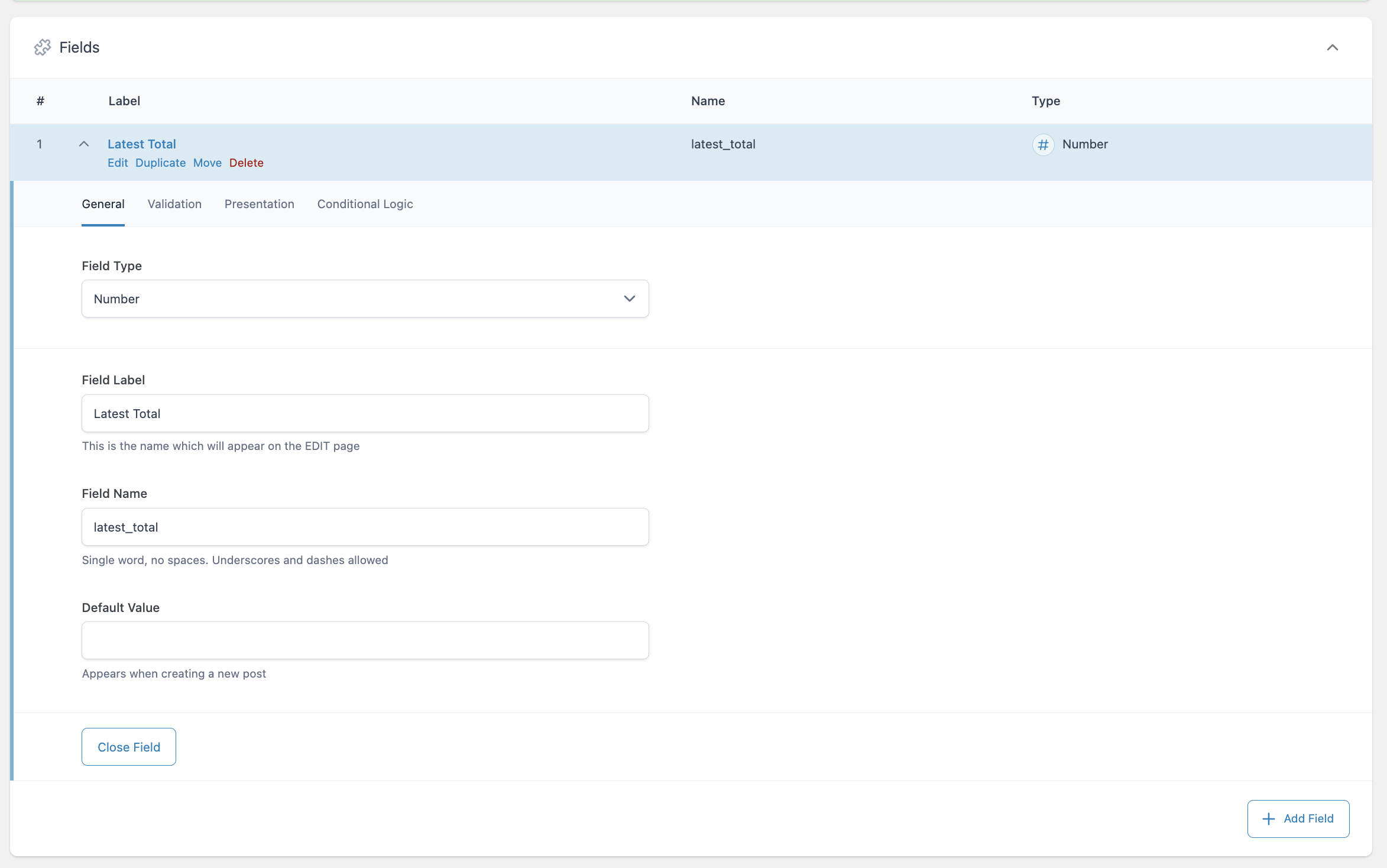
Creating a Number field.
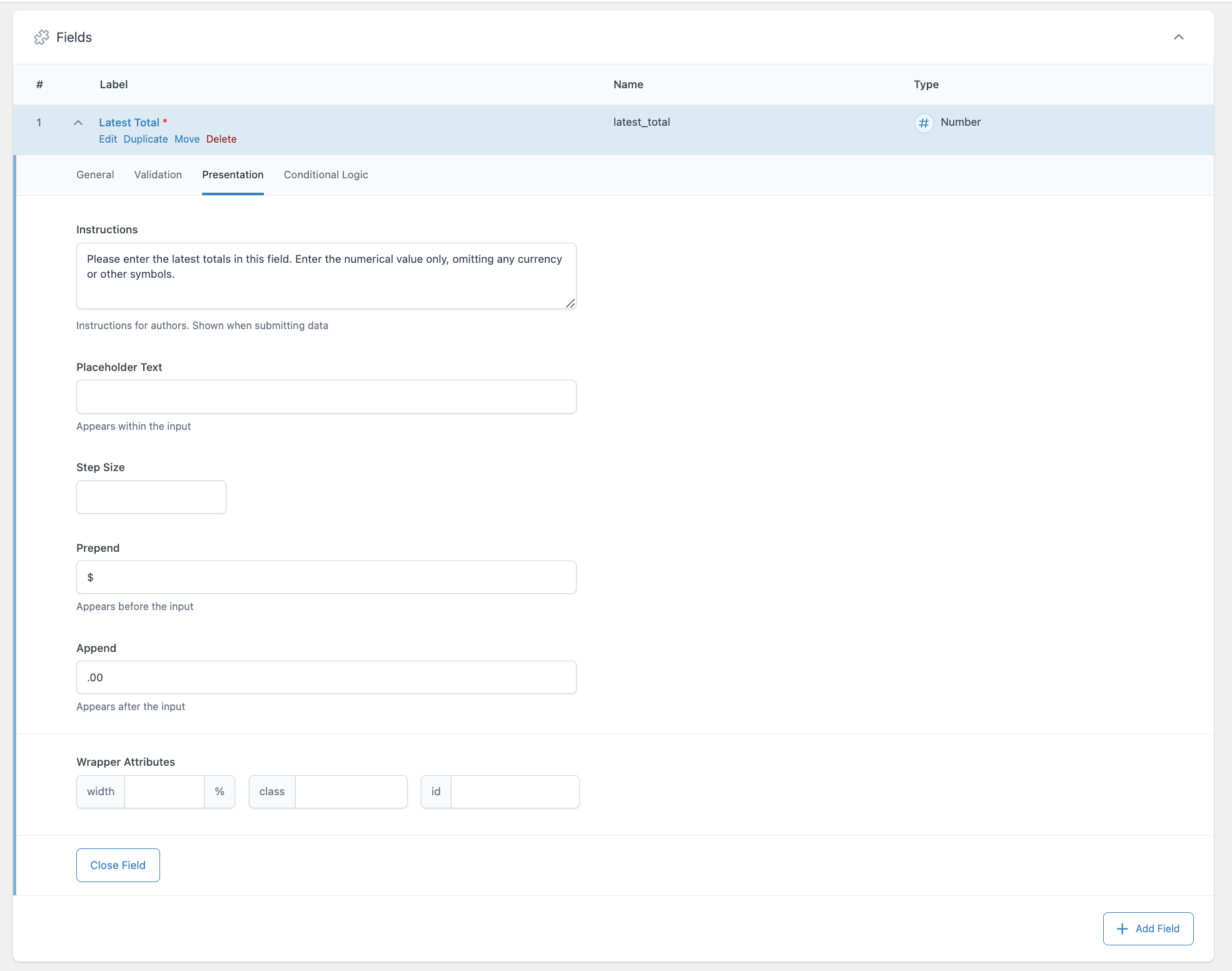
The Presentation tab of the Number field allows you to provide instructions to content editors, show placeholder text, set step size (increments), add characters before and after the input, and define wrapper attributes.
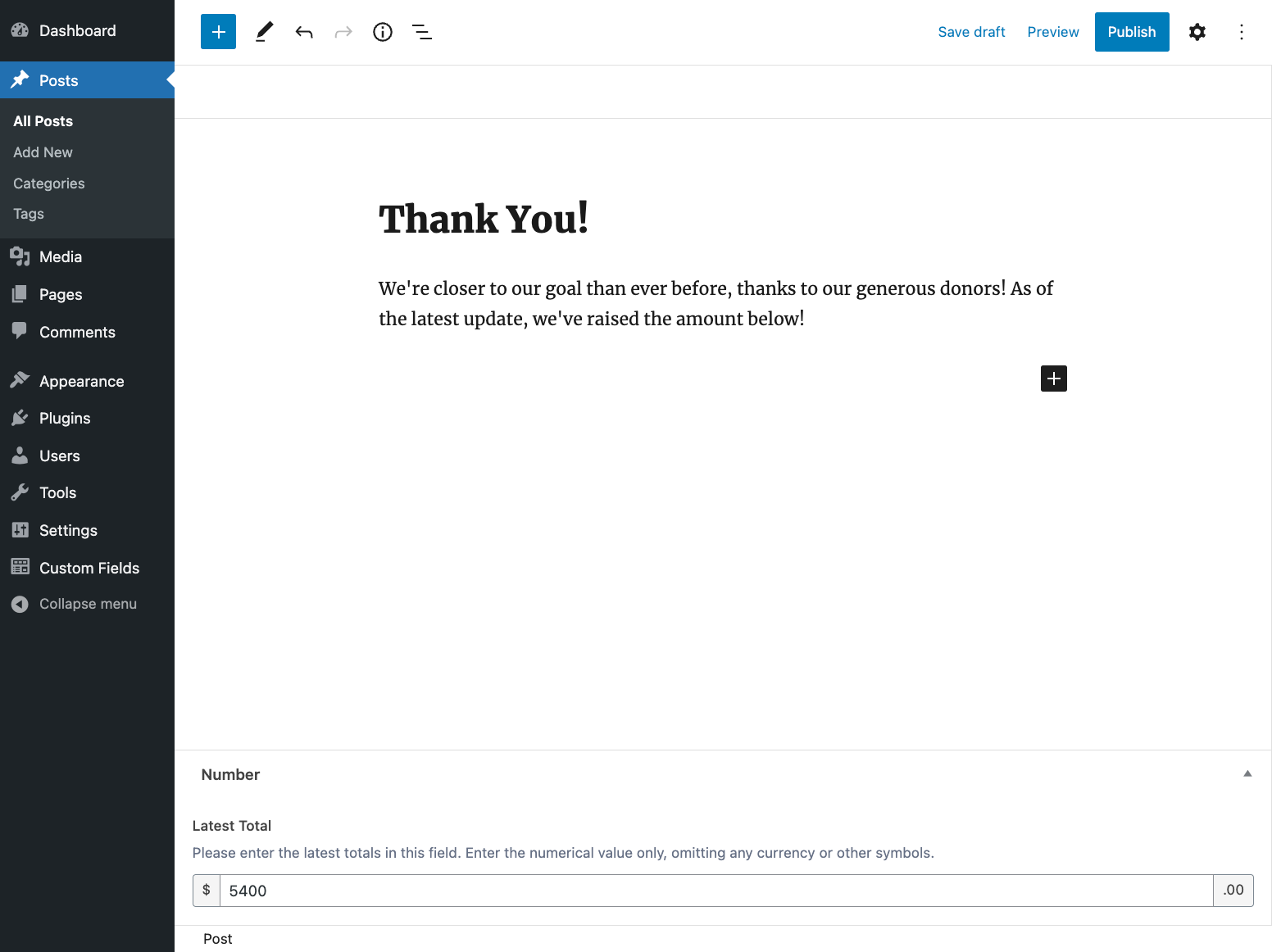
How the Number field is displayed to content editors in WP Admin.
## Settings
- **Default Value**
The default value shown when creating a new post.
- **Required**
Found on the Validation tab, this requires a numeric value be provided as the input and prevents the field from accepting empty values. Defaults to off.
- **Minimum Value**
The minimum value allowed.
- **Maximum Value**
The maximum value allowed.
- **Instructions**
Shows instructions when submitting data.
- **Placeholder Text**
Appears within input when no value exists.
- **Step Size**
The increment at which a numeric value can be set. Defaults to 1.
- **Prepend**
Adds a visual text element before the input.
- **Append**
Adds a visual text element after the input.
## Template usage
### Display value as text
This example demonstrates how to display a Number field value as text. We don’t recommend outputting any ACF value without any sort of protection or escaping.
```
To date, your efforts have raised $!
```
### Display value within CSS
This example demonstrates how a Number field value named “h2\_font\_size” can be used to control the font size of all `` elements.
```
```